


Download videos from YouTube and other sites
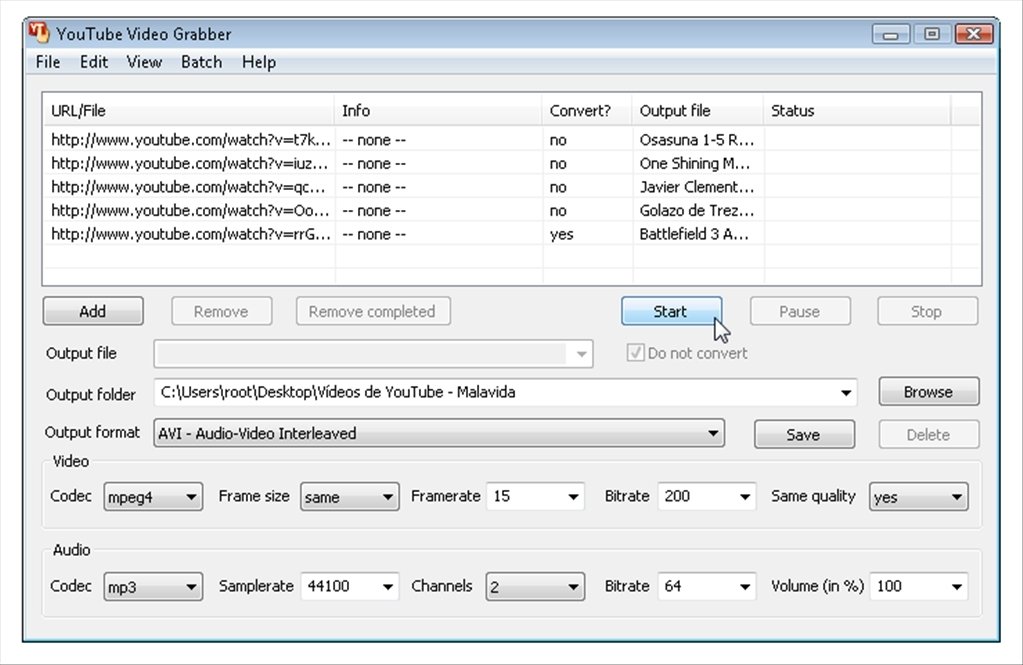
With Youtube Grabber you can save videos from YouTube. This video download manager is capable of downloading your favorite videos in different formats, in such a way that you'll later be able to transfer them to portable devices.
Valid under any circumstance
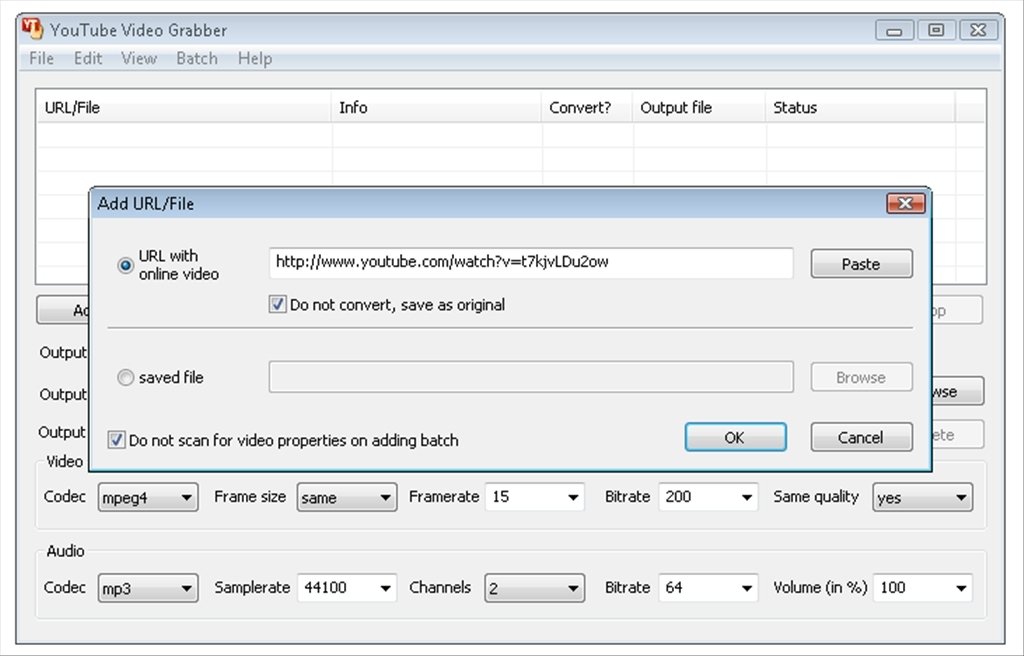
Youtube Grabber works with the main video storage services on the Internet, and it even tries to capture videos that are embedded in common websites to test if it can download them, all you have to do is provide it with the web page's URL address.
Features
- Download any video from YouTube, MySpace, iFilm, PutFile or websites with embedded videos.
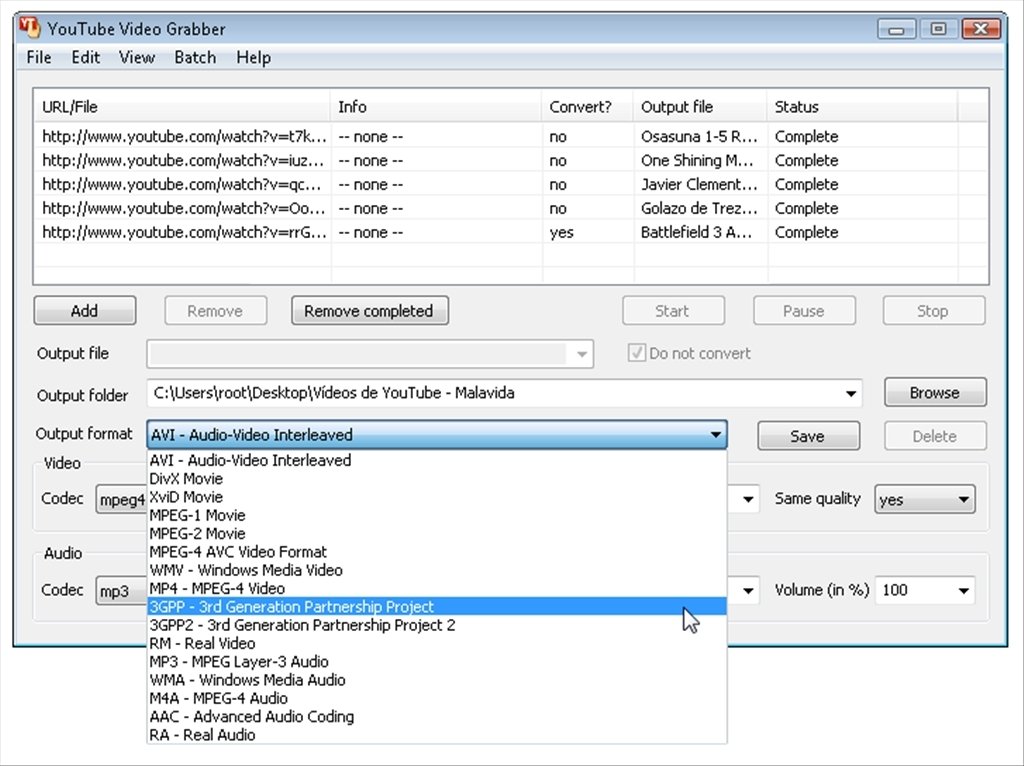
- Convert videos between any of the formats supported by Youtube Grabber: AVI, 3GP, 3GPP, WMV, DivX, Xvid, WMV, MPEG-1, MPEG-2, MPEG-3 and MPEG-4.
- Extract audio from the video files. Valid for the MP3, WMA, M4A, AAC and RA formats.
- Internal update service for the different engines used to download videos.
- Recommend the creation or installation of download engines for websites that are still not compatible with YouTube Video Grabber.
An all-in-one product to work with Internet videos
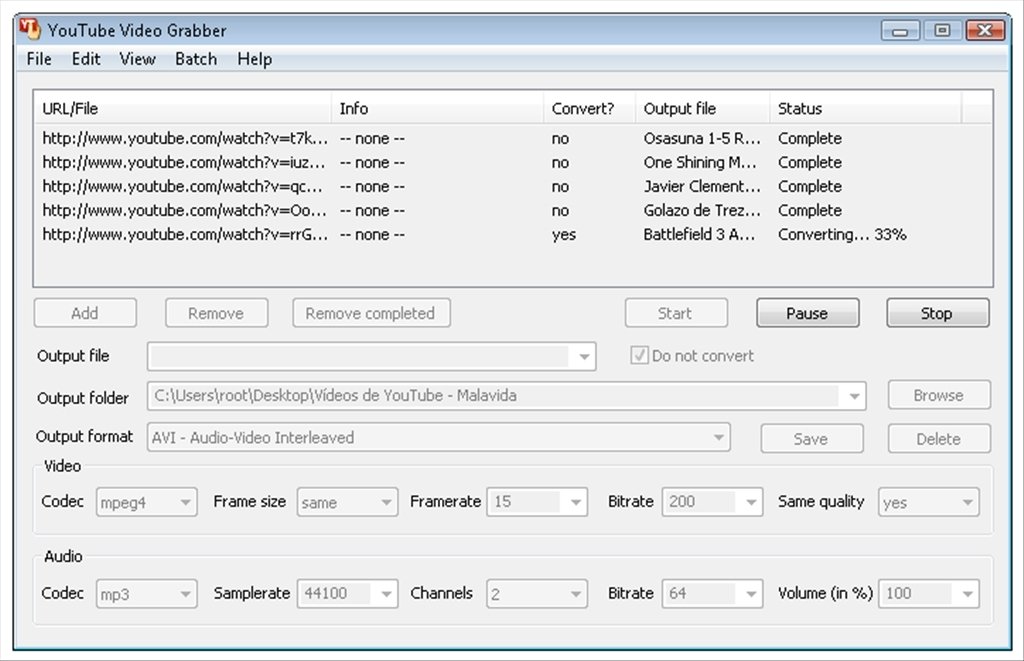
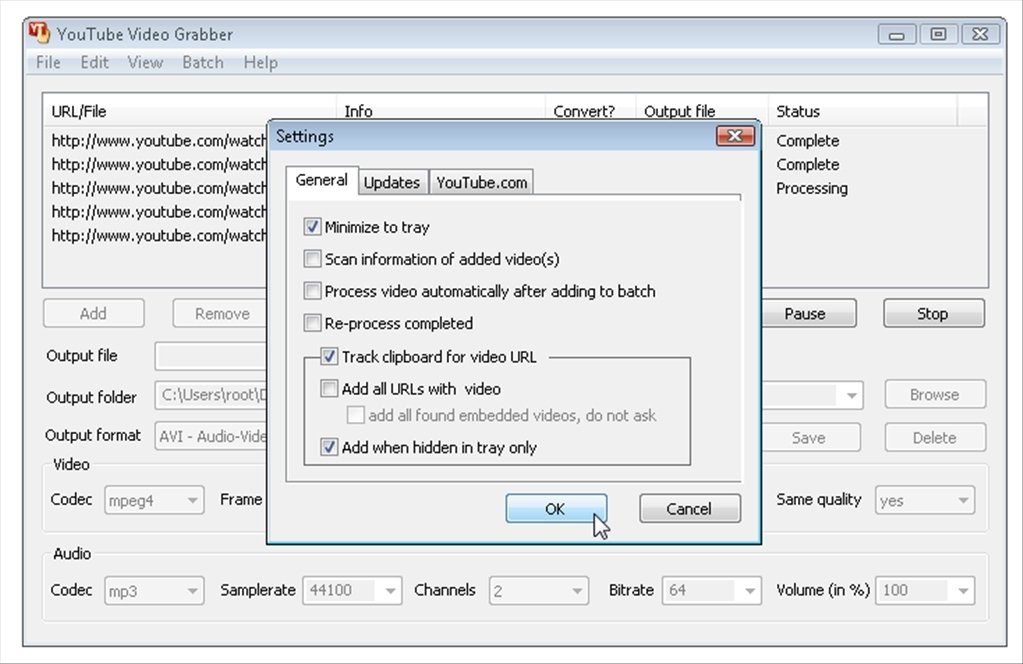
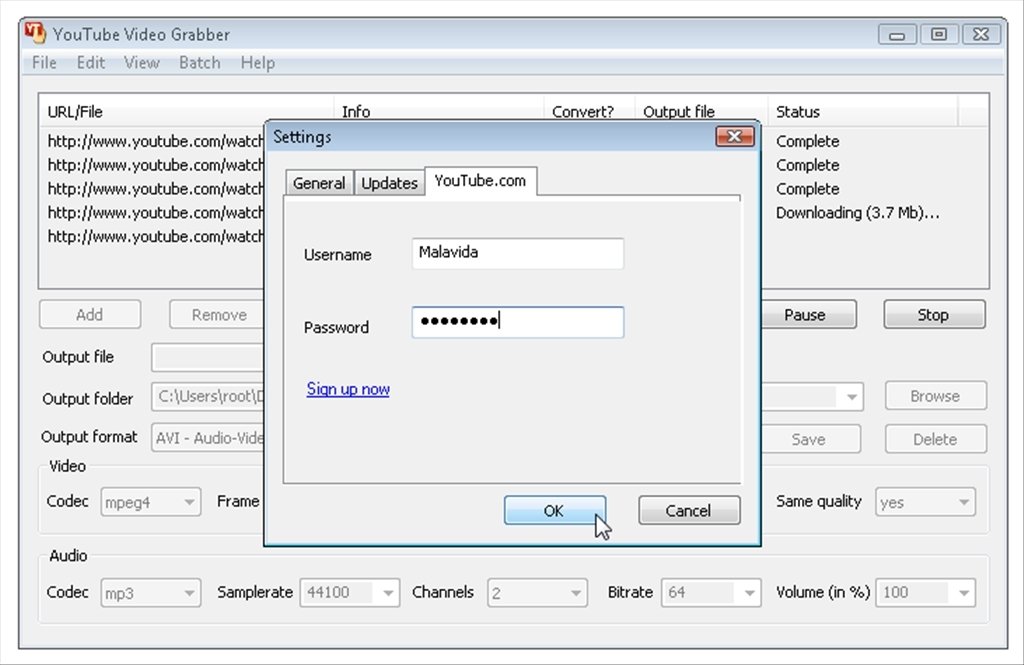
It's very comfortable to use thanks to the complete support for drag and drop technology, that even works with browser links. Carry out batch conversions, something that will save time and furthermore, if you have a YouTube account, you'll be able to login automatically.
Download Youtube Grabber to download videos from the Internet and convert them almost instantly.
Requirements and additional information:
- The trial version can be used for 14 days.
 Héctor Hernández
As a technology journalist with over 12 years of experience in the world of software and apps, I have had the opportunity to try all kinds of devices and operating systems over the years. I have done from software or mobile applications reviews...

Antony Peel